Placeables
This section documents the actors you place in a scene. Their settings live on the selected object, separate from the shared controls in Interface. Reusable Blueprint lighting and its components are covered in Prefabs.
Objects in Place Actors
Open Unreal's Place Actors panel and choose Spectral, or search for the actor by name.
| Actor | Purpose |
|---|---|
| Spectral Probe Volume | A bounded grid of baked lighting samples for objects, fog, and other probe consumers |
| Spectral Box Capture | A box reflection capture with Spectral's face-resize handles |
| Spectral Fog Volume | A local region of fog with density, scattering, and distance controls |
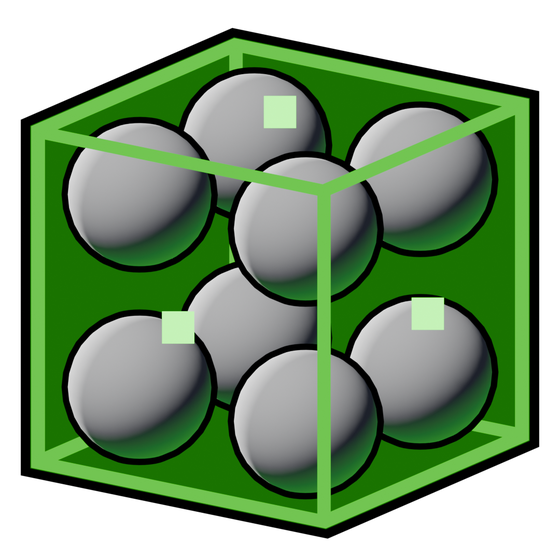 Spectral Probe Volume
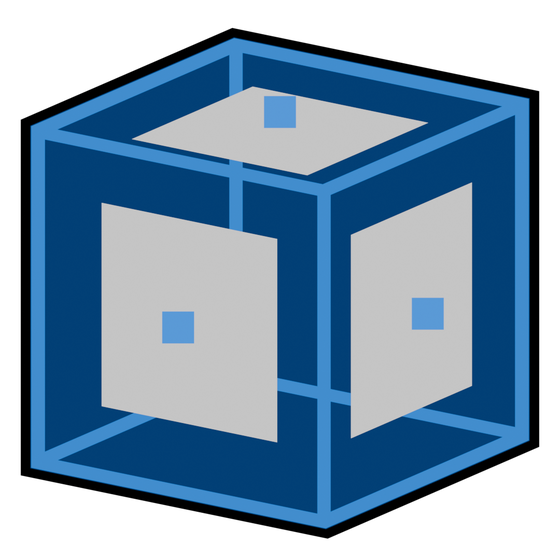 Spectral Box Capture
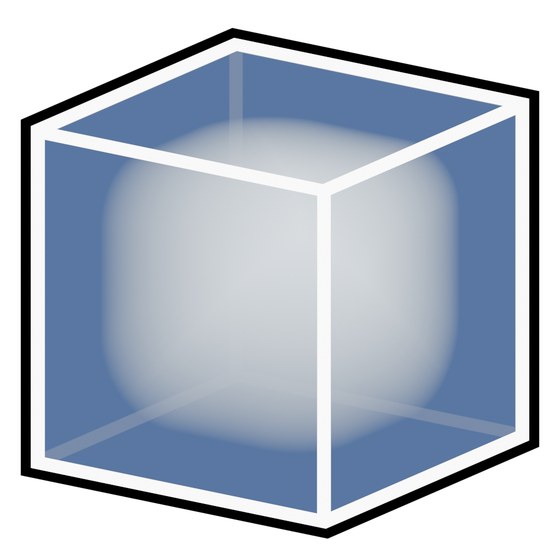 Spectral Fog Volume
Editing box bounds
Select the actor or supported volume component to reveal its face handles. Drag a green handle to resize one side. The active handle turns yellow.
- Normal drag moves the grabbed face while the opposite face stays fixed. The box center moves.
- Hold Ctrl to resize symmetrically. Both sides change and the center stays fixed.
- You can press or release Ctrl during a drag without changing the current size abruptly.
- With editor grid snapping enabled, the full world-space size is snapped to the grid.
Use normal transforms to position and rotate the region. A resized box does not automatically create fresh lighting data. Probe bounds changes require a bake; fog density and bounds changes update the fog itself live.
Show Fill, Fill Color, probe marker size, and priority labels help you edit volumes. They do not change the rendered density or lighting strength.
Which action updates which object?
| Object | Action after changing captured inputs |
|---|---|
| Probe Volume | Bake Lighting, then save the level/build data |
| Box Capture | Bake Reflections, then save the level/build data |
| Fog Volume | Edits update the fog; rebake only when the probe lighting it samples has changed |
 Bake Lighting
For a sequence that combines these objects, see Workflows.