Spectral Sampler
Spectral Sampler reads the baked probe lighting at the current pixel. Use it when you want to build a material's lighting explicitly rather than rely on the normal lit-material path.
Inputs and outputs
The current node has no input pins. It uses the pixel's position and normal automatically. There is no position override or normal input to connect.
| Output | What it returns |
|---|---|
| Normal | RGB probe lighting evaluated using the pixel normal. This is a lighting color, not a normal vector. |
| Double Sided | RGB probe lighting evaluated using the authored front-face normal on both sides of the surface. |
Use Normal for the usual surface response. Double Sided is useful for thin surfaces whose underside should retain the front-side lighting response. It does not make geometry render on both sides: enable the material's own Two Sided option when needed.
Sampling Quality
Default: Optimized. Choices: Optimized, Full L2.
Select the node and change Sampling Quality in Details.
- Optimized keeps ambient and first-order directional information using the cheaper sampling path.
- Full L2 also keeps second-order directional information and uses more atlas reads.
Full L2 preserves more directional detail. It does not add probe positions or repair missing coverage. Compare the visible improvement against material cost on the target device.
Example: an Unlit surface with probe lighting
Set the material's Shading Model to Unlit. Multiply your intended surface color by the node's Normal output, then connect the result to Emissive Color:
Surface color × Spectral Sampler: Normal → Emissive Color
Emissive Color is used here to display your computed result on an Unlit surface. This graph does not provide a complete physically based material: it does not recreate the normal lit path's specular response or automatically add every other lighting feature.
Do not copy this Emissive connection into every Default Lit material. If the material already receives probe lighting through Spectral's integration, adding the sampled value can make it too bright. Decide which path is responsible for lighting the surface.
Outside probe coverage
Both outputs return white outside coverage. Multiplying a surface color by white leaves it unchanged rather than turning it black.
An Unlit material that stays bright outside a volume may therefore be showing the neutral fallback, not valid lighting. Check Visualize Global Probes, the volume bounds, and the bake status before changing the material's brightness.
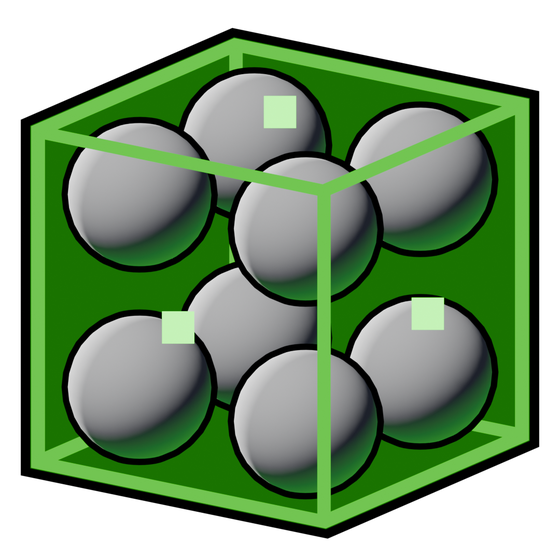 Visualize Global Probes
Updates and troubleshooting
Changing Sampling Quality or choosing the other output recompiles the material; it does not require a lighting rebake. Changes to the scene lighting or probe placement do require updated baked data.
If the sample is unexpected, test a simple color multiplied by the sampler first. Confirm coverage and remove additional brightness multipliers. See Relevant engine nodes for the Multiply and parameter nodes used in that graph.