Spectral Documentation
Spectral brings baked lighting, probe volumes, shadows, and lighting tools into Unreal Engine. Start with a small test level, get a bake working, then adjust the features your project needs.
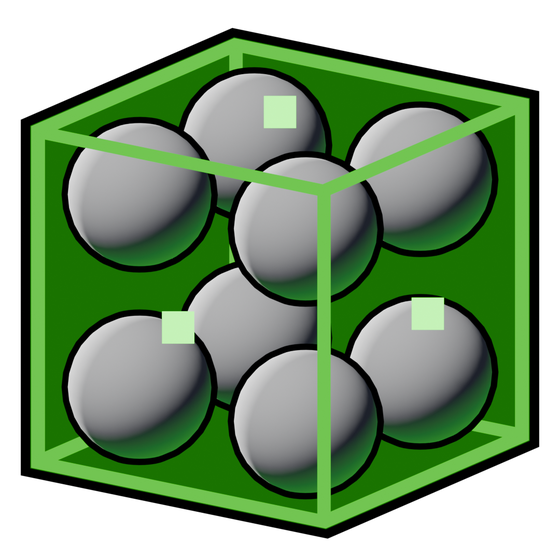 probe volumes
These pages describe Spectral's features and interface across supported Unreal Engine versions. Check the platform and feature matrix before choosing a renderer, especially for mobile or VR.
Start here
- Install Spectral and enable its shader hooks.
- Review the project settings.
- Bake your first level.
- Use Visualize to check coverage and Memory to check the cost.
Find a tool
| Tab | What it does |
|---|---|
| Baker | Bake lighting and reflection captures. Control quality, denoising, and lightmap storage. |
| Features | Configure Probes, GTAO, Shadows, Tonemappers, Lightmaps, Fog, and Capsule Shadows. |
| Visualize | Inspect probes, lightmap density, and fog. |
| Memory | Inspect lighting assets and their estimated memory use. |
| Settings | Manage shader hooks and project settings. |
 Baker
Baker lightmap density
General Settings
General Settings explains the Unreal controls outside the Spectral panel: stationary area shadows, emissive lighting and boost, Source Angle, indirect intensity, volumetric scattering, and Static Sky Light setup for mobile.
Scene objects and components
Placeables covers the scene actors separately from the interface tabs.
- Probe Volume: bounds, spacing, overlaps, movement, and bake status.
- Box Capture: reflection source, box influence, and capture updates.
- Fog Volume: density, scattering, boundaries, and camera fades. Probe fog lighting also supports Unreal's Exponential Height Fog with Volumetric Fog enabled.
 Box Capture
 Fog Volume
Reusable Blueprint lighting
Prefabs explains how to set up a source, bake and capture its lighting, reuse copies, and update them. The Spectral Lightmapped Prefab and Spectral Prefab Volume pages cover all component settings.
Spectral Material Nodes
Spectral Material Nodes covers every current node, its inputs and outputs, editable properties, example connections, and bake requirements. Relevant engine nodes adds LightmassReplace and useful Unreal graph building blocks.
Before changing an existing project
Spectral's shader hooks modify engine shader files. Every project using that engine installation shares those files. Make a backup of the project, review the installation instructions, and avoid changing hooks while another editor using that engine is open.
For common problems, see Troubleshooting. For complete tasks, use Workflows.